TechnicalBuild an agent

Build an agentLesson 7 of 10

Filesystem tools

Give the agent the tools a coding agent needs: write, edit, find, search and run commands.

3 min readLesson

Build an agent7

Before you start Finish Lesson 6. This lesson changes files from it.

You'll learn

  • Add five more tools by following the same pattern
  • Keep every file tool inside the project folder
  • Watch the agent chain tools together to finish a task

How it works

With a bash tool alone the AI could do everything. Separate tools make it clearer what it did and more predictable how it did it.

Each file tool uses the ResolvesProjectPaths trait from Lesson 4, so the AI cannot read or write outside your project. Errors come back as text so the AI can recover.

Once they are in the chatbot’s tools(), you can say “add a /contact route” and watch it find, read and edit routes/web.php by itself.

  • Glob: Finding files by a pattern such as routes/*.php.

Step by step

1Create write_file

Creates a file, or overwrites one completely.

New file · app/Ai/Tools/WriteFile.php

<?php

namespace App\Ai\Tools;

use App\Ai\Tools\Concerns\ResolvesProjectPaths;

class WriteFile implements Tool
{
    use ResolvesProjectPaths;

    public function definition(): array
    {
        return [
            'type' => 'function',
            'name' => 'write_file',
            'description' => 'Create a file, or completely overwrite an existing one, relative to the project root.',
            'parameters' => [
                'type' => 'object',
                'properties' => [
                    'path' => ['type' => 'string', 'description' => 'The relative path to the file.'],
                    'content' => ['type' => 'string', 'description' => 'The full contents to write.'],
                ],
                'required' => ['path', 'content'],
                'additionalProperties' => false,
            ],
            'strict' => true,
        ];
    }

    public function use(array $arguments = []): string
    {
        $path = $this->resolve($arguments['path']);

        if (! $path) {
            return 'Error: path is outside the project.';
        }

        if (! is_dir(dirname($path))) {
            mkdir(dirname($path), 0755, recursive: true);
        }

        file_put_contents($path, $arguments['content']);

        return "Wrote {$arguments['path']}";
    }
}

2Create edit_file

Finds one exact piece of text in a file and replaces it. It refuses if the text appears zero or several times.

New file · app/Ai/Tools/EditFile.php

<?php

namespace App\Ai\Tools;

use App\Ai\Tools\Concerns\ResolvesProjectPaths;

class EditFile implements Tool
{
    use ResolvesProjectPaths;

    public function definition(): array
    {
        return [
            'type' => 'function',
            'name' => 'edit_file',
            'description' => 'Replace one exact piece of text in a file with new text. Read the file first.',
            'parameters' => [
                'type' => 'object',
                'properties' => [
                    'path' => ['type' => 'string', 'description' => 'The relative path to the file.'],
                    'old_text' => ['type' => 'string', 'description' => 'The exact text to find. Must appear once.'],
                    'new_text' => ['type' => 'string', 'description' => 'The text to put in its place.'],
                ],
                'required' => ['path', 'old_text', 'new_text'],
                'additionalProperties' => false,
            ],
            'strict' => true,
        ];
    }

    public function use(array $arguments = []): string
    {
        $path = $this->resolve($arguments['path']);

        if (! $path || ! is_file($path)) {
            return "Error: file not found: {$arguments['path']}";
        }

        $contents = file_get_contents($path);
        $count = substr_count($contents, $arguments['old_text']);

        if ($count !== 1) {
            return "Error: expected the text to appear once, found it {$count} times.";
        }

        file_put_contents($path, str_replace($arguments['old_text'], $arguments['new_text'], $contents));

        return "Edited {$arguments['path']}";
    }
}

3Create glob

Lists files matching a pattern.

New file · app/Ai/Tools/Glob.php

<?php

namespace App\Ai\Tools;

class Glob implements Tool
{
    public function definition(): array
    {
        return [
            'type' => 'function',
            'name' => 'glob',
            'description' => 'List project files matching a glob pattern, e.g. "routes/*.php" or "app/*/*.php".',
            'parameters' => [
                'type' => 'object',
                'properties' => [
                    'pattern' => ['type' => 'string', 'description' => 'A glob pattern relative to the project root.'],
                ],
                'required' => ['pattern'],
                'additionalProperties' => false,
            ],
            'strict' => true,
        ];
    }

    public function use(array $arguments = []): string
    {
        $root = base_path().'/';

        $files = array_map(
            fn ($file) => str_replace($root, '', $file),
            glob($root.ltrim($arguments['pattern'], '/')) ?: []
        );

        return $files ? implode("\n", $files) : 'No files matched.';
    }
}

4Create search_files

Searches inside files with grep, skipping vendor and node_modules.

New file · app/Ai/Tools/SearchFiles.php

<?php

namespace App\Ai\Tools;

use Symfony\Component\Process\Process;

class SearchFiles implements Tool
{
    public function definition(): array
    {
        return [
            'type' => 'function',
            'name' => 'search_files',
            'description' => 'Search project files for a piece of text. Returns matching lines with file names and line numbers.',
            'parameters' => [
                'type' => 'object',
                'properties' => [
                    'query' => ['type' => 'string', 'description' => 'The text to search for.'],
                    'directory' => ['type' => 'string', 'description' => 'Folder to search in, relative to the project root. Use "." for everything.'],
                ],
                'required' => ['query', 'directory'],
                'additionalProperties' => false,
            ],
            'strict' => true,
        ];
    }

    public function use(array $arguments = []): string
    {
        $process = new Process(
            ['grep', '-rn', '--exclude-dir=vendor', '--exclude-dir=node_modules', '-F', $arguments['query'], $arguments['directory']],
            base_path(),
            timeout: 30,
        );

        $process->run();

        return $process->getOutput() ?: 'No matches.';
    }
}

5Create run_bash

Runs a shell command in the project folder, with a 30-second time limit.

New file · app/Ai/Tools/RunBash.php

<?php

namespace App\Ai\Tools;

use Symfony\Component\Process\Process;

class RunBash implements Tool
{
    public function definition(): array
    {
        return [
            'type' => 'function',
            'name' => 'run_bash',
            'description' => 'Execute a bash command in the project root and return its output.',
            'parameters' => [
                'type' => 'object',
                'properties' => [
                    'command' => ['type' => 'string', 'description' => 'The bash command to execute.'],
                ],
                'required' => ['command'],
                'additionalProperties' => false,
            ],
            'strict' => true,
        ];
    }

    public function use(array $arguments = []): string
    {
        // WARNING: this lets the AI run any command on your machine.
        // Only use it on a project you are happy to experiment with.
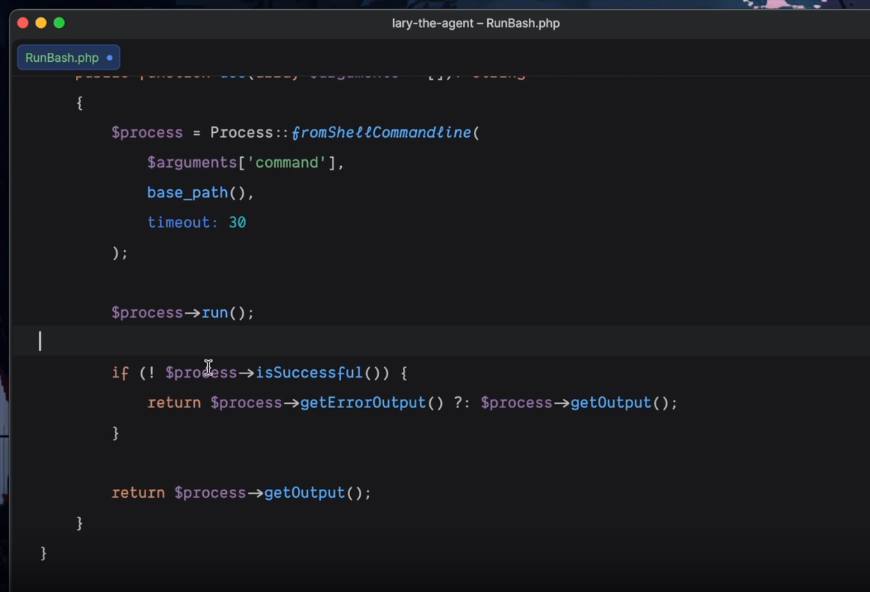
        $process = Process::fromShellCommandline($arguments['command'], base_path(), timeout: 30);

        $process->run();

        if (! $process->isSuccessful()) {
            return $process->getErrorOutput() ?: $process->getOutput();
        }

        return $process->getOutput();
    }
}

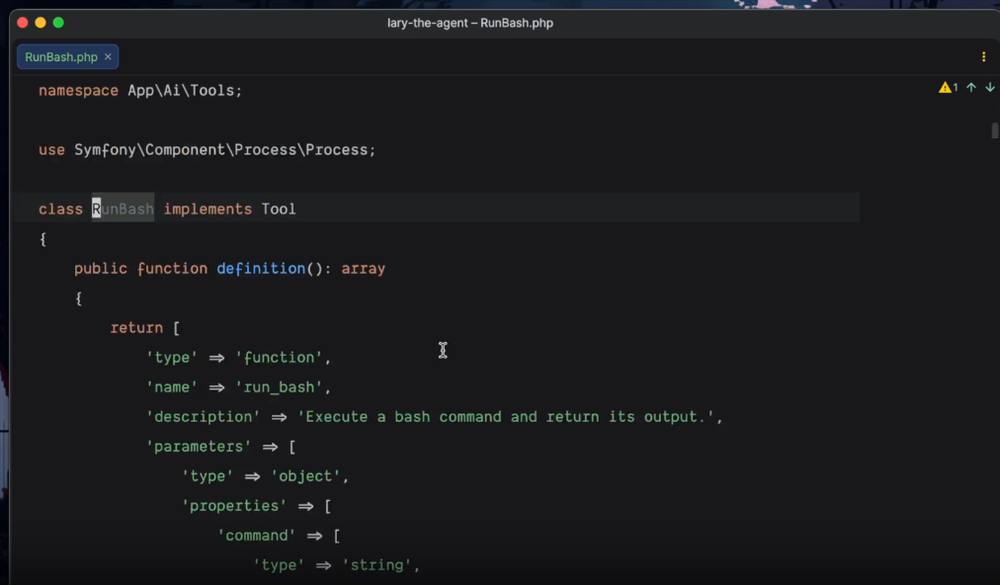
RunBash: the definition the AI sees.

RunBash: the definition the AI sees.

RunBash::use() with Symfony Process.

RunBash::use() with Symfony Process.

6Give the tools to the chatbot

Replace ChatbotAgent.php with this version, which lists all eight tools.

Replace file · app/Ai/Agents/ChatbotAgent.php

<?php

namespace App\Ai\Agents;

use App\Ai\Tools\CurrentTime;
use App\Ai\Tools\EditFile;
use App\Ai\Tools\Glob;
use App\Ai\Tools\ReadFile;
use App\Ai\Tools\Revenue;
use App\Ai\Tools\RunBash;
use App\Ai\Tools\SearchFiles;
use App\Ai\Tools\WriteFile;

class ChatbotAgent extends Agent
{
    public function persona(): string
    {
        return 'You are a bit of a jerk and are sarcastic with every reply, but you help out with programming tasks.';
    }

    public function tools(): array
    {
        return [
            new ReadFile,
            new WriteFile,
            new EditFile,
            new Glob,
            new SearchFiles,
            new RunBash,
            new CurrentTime,
            new Revenue,
        ];
    }
}

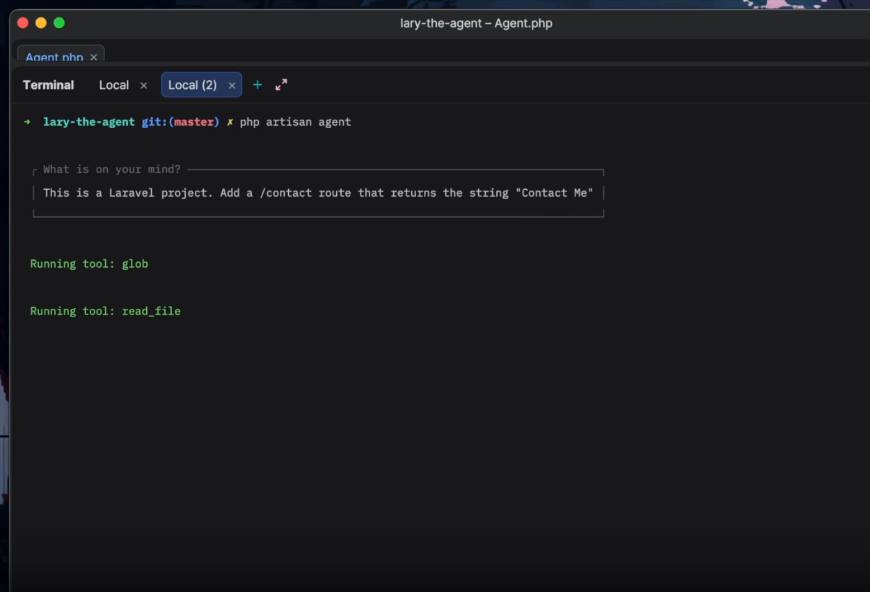
Watching the agent pick its own tools.

Watching the agent pick its own tools.

Check your work

Run php artisan agent and type:

This is a Laravel project. Add a /contact route that returns "Contact me".

You should see

Several Running tool: lines, usually glob, read_file, then edit_file. Open routes/web.php: the new route is there. Run php artisan serve and visit /contact to see it.

If it doesn’t work

  • It looks in the wrong place: The agent knows nothing about your project until it looks. Be specific in your prompt. Lesson 9 adds a guidelines file that helps.
  • “expected the text to appear once”: Normal. The AI usually reads the file again and retries with a longer, unique piece of text.

Check yourself

Shredder tries ../../etc/passwd to crawl out of the lair. What does ResolvesProjectPaths::resolve() return?

Reveal answer

✓ Answer

null, so the tool replies with an error instead of reading it.