TechnicalBuild an agent

Build an agentLesson 4 of 10

Move tools into classes

Give each tool its own class so adding a tool never means editing the loop.

3 min readLesson

Build an agent4

Before you start Finish Lesson 3. This lesson changes files from it.

You'll learn

  • Write a small Tool interface
  • Turn each tool into a class with definition() and use()
  • Find and run the right tool by name
  • Stop the AI reading files outside your project

How it works

The match in Lesson 3 grows every time you add a tool. Instead, each tool becomes its own class in app/Ai/Tools that follows a small interface.

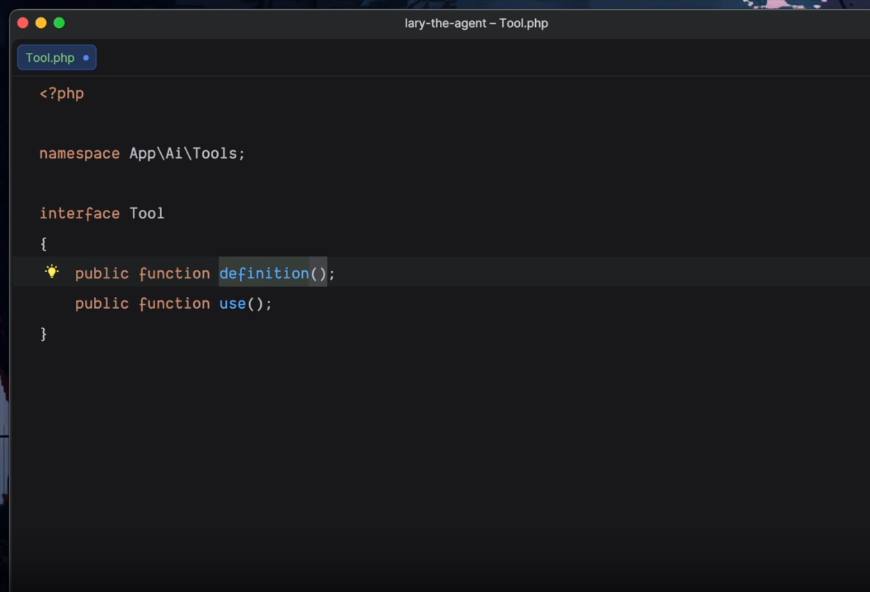
The interface has two methods. definition() returns the description the AI sees. use() actually runs the tool.

The loop now just looks for the tool whose name matches the call and runs it. A new tool means a new class plus one line in tools().

  • Interface: A list of methods a class promises to have.
  • Trait: A reusable chunk of methods you can drop into several classes.

Step by step

1Create the Tool interface

Create this new file.

New file · app/Ai/Tools/Tool.php

<?php

namespace App\Ai\Tools;

interface Tool
{
    /**
     * The JSON description the AI reads to decide whether to call this tool.
     */
    public function definition(): array;

    /**
     * Actually run the tool. $arguments are already JSON-decoded.
     */
    public function use(array $arguments = []): string;
}

The Tool interface: definition() and use().

The Tool interface: definition() and use().

2Create the path safety trait

File tools must never read outside your project (for example ../../.ssh/id_rsa). This trait turns a relative path into a full one and returns null if it tries to escape. You will reuse it in Lesson 7.

New file · app/Ai/Tools/Concerns/ResolvesProjectPaths.php

<?php

namespace App\Ai\Tools\Concerns;

trait ResolvesProjectPaths
{
    /**
     * Turn a relative path into an absolute one inside the project,
     * and refuse anything that tries to escape it (e.g. "../../etc/passwd").
     */
    protected function resolve(string $path): ?string
    {
        $root = realpath(base_path());
        $full = $root.'/'.ltrim($path, '/');

        // For files or folders that don't exist yet, check the nearest folder that does.
        $check = $full;
        while (! file_exists($check) && $check !== dirname($check)) {
            $check = dirname($check);
        }

        $real = realpath($check);

        if ($real === false || ($real !== $root && ! str_starts_with($real, $root.'/'))) {
            return null;
        }

        return $full;
    }
}

3Create the CurrentTime tool

The get_current_time tool from Lesson 3, now as a class.

New file · app/Ai/Tools/CurrentTime.php

<?php

namespace App\Ai\Tools;

class CurrentTime implements Tool
{
    public function definition(): array
    {
        return [
            'type' => 'function',
            'name' => 'get_current_time',
            'description' => 'Get the current server time as an ISO 8601 string.',
        ];
    }

    public function use(array $arguments = []): string
    {
        return now()->toIso8601String();
    }
}

4Create the ReadFile tool

The read_file tool, now with the safety check. It returns an error as text instead of crashing, so the AI can read the message and try again.

New file · app/Ai/Tools/ReadFile.php

<?php

namespace App\Ai\Tools;

use App\Ai\Tools\Concerns\ResolvesProjectPaths;

class ReadFile implements Tool
{
    use ResolvesProjectPaths;

    public function definition(): array
    {
        return [
            'type' => 'function',
            'name' => 'read_file',
            'description' => 'Read the contents of a file, relative to the project root.',
            'parameters' => [
                'type' => 'object',
                'properties' => [
                    'path' => ['type' => 'string', 'description' => 'The relative path to the file.'],
                ],
                'required' => ['path'],
                'additionalProperties' => false,
            ],
            'strict' => true,
        ];
    }

    public function use(array $arguments = []): string
    {
        $path = $this->resolve($arguments['path']);

        if (! $path || ! is_file($path)) {
            return "Error: file not found: {$arguments['path']}";
        }

        return file_get_contents($path);
    }
}

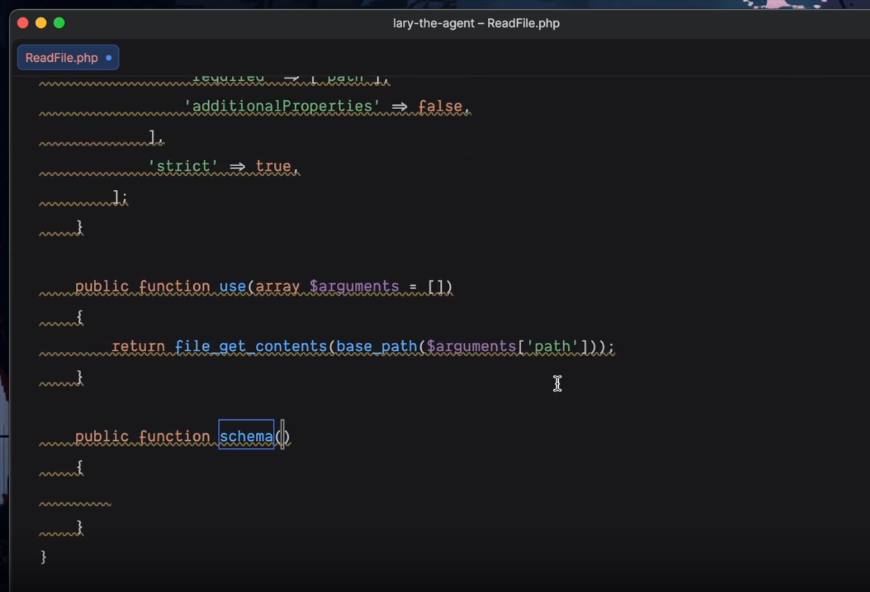
ReadFile::use() receives already-decoded arguments.

ReadFile::use() receives already-decoded arguments.

5Update AgentCommand

Replace AgentCommand.php with this version. Three things changed: a new tools() method, runModel() sends each tool’s definition(), and the inner loop finds the matching tool by name.

Replace file · app/Console/Commands/AgentCommand.php

<?php

namespace App\Console\Commands;

use App\Ai\Tools\CurrentTime;
use App\Ai\Tools\ReadFile;
use App\Ai\Tools\Tool;
use Illuminate\Console\Command;
use Illuminate\Support\Facades\Http;

use function Laravel\Prompts\info;
use function Laravel\Prompts\spin;
use function Laravel\Prompts\text;

// Lesson 4: each tool is its own class; the loop just finds and runs it.
class AgentCommand extends Command
{
    protected $signature = 'agent';

    protected $description = 'Chat with an agent that can use tools';

    protected array $history = [];

    public function handle(): void
    {
        // OUTER loop: your conversation with the agent.
        while (true) {
            $prompt = text('What is on your mind?', required: true);

            $this->history[] = ['role' => 'user', 'content' => $prompt];

            // INNER loop: the agent keeps going until it has an answer.
            while (true) {
                $response = spin(fn () => $this->runModel(), 'Hmm... thinking about that.');

                $this->history = [...$this->history, ...$response['output']];

                // Find every tool the AI wants us to run (there can be several).
                $functionCalls = collect($response['output'])
                    ->filter(fn ($item) => $item['type'] === 'function_call');

                // None? Then the AI has its final answer.
                if ($functionCalls->isEmpty()) {
                    info($this->outputText($response));
                    break;
                }

                $functionCalls->each(function (array $call) {
                    info("Running tool: {$call['name']}");

                    // Find the tool whose name matches the call.
                    $tool = collect($this->tools())
                        ->first(fn (Tool $tool) => $tool->definition()['name'] === $call['name']);

                    // Decode the arguments once, so every tool gets a plain PHP array.
                    $output = $tool
                        ? $tool->use(json_decode($call['arguments'], associative: true) ?? [])
                        : "Error: unknown tool {$call['name']}";

                    $this->history[] = [
                        'type' => 'function_call_output',
                        'call_id' => $call['call_id'],
                        'output' => (string) $output,
                    ];
                });
            }
        }
    }

    // Every tool the agent may use. New tool = new class + one entry here.
    protected function tools(): array
    {
        return [new CurrentTime, new ReadFile];
    }

    protected function runModel(): array
    {
        return Http::withToken(config('services.openai.key'))
            ->post('https://api.openai.com/v1/responses', [
                'model' => config('services.openai.model'),
                'instructions' => 'You are a helpful assistant.',
                'input' => $this->history,
                // Send each tool's definition, not the tool object itself.
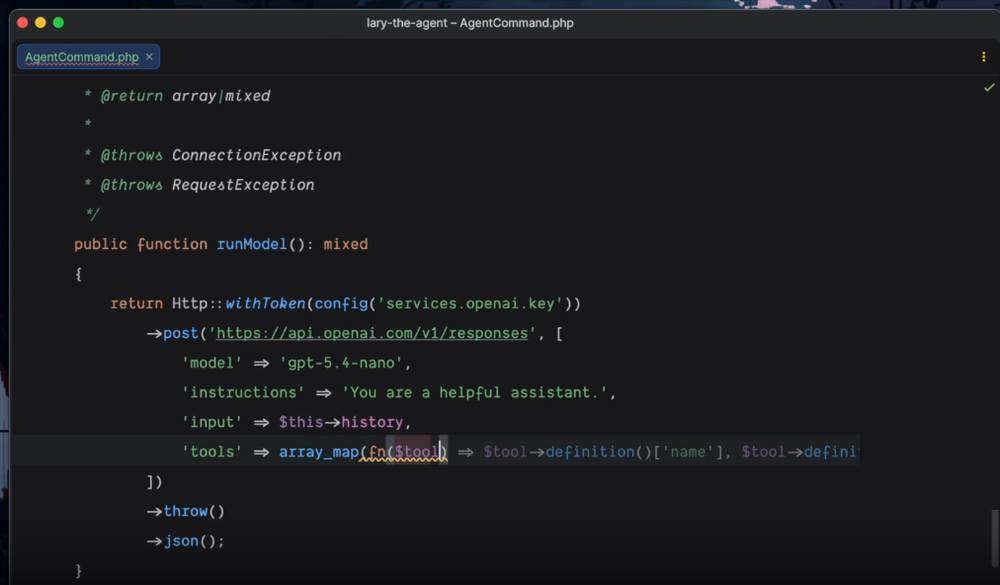
                'tools' => array_map(fn (Tool $tool) => $tool->definition(), $this->tools()),
            ])
            ->throw()
            ->json();
    }

    // The first output item is not always a message (it can be a tool call),
    // so collect the text from every message item instead of using [0].
    protected function outputText(array $response): string
    {
        return collect($response['output'])
            ->where('type', 'message')
            ->flatMap(fn ($message) => $message['content'])
            ->where('type', 'output_text')
            ->pluck('text')
            ->implode("\n");
    }
}
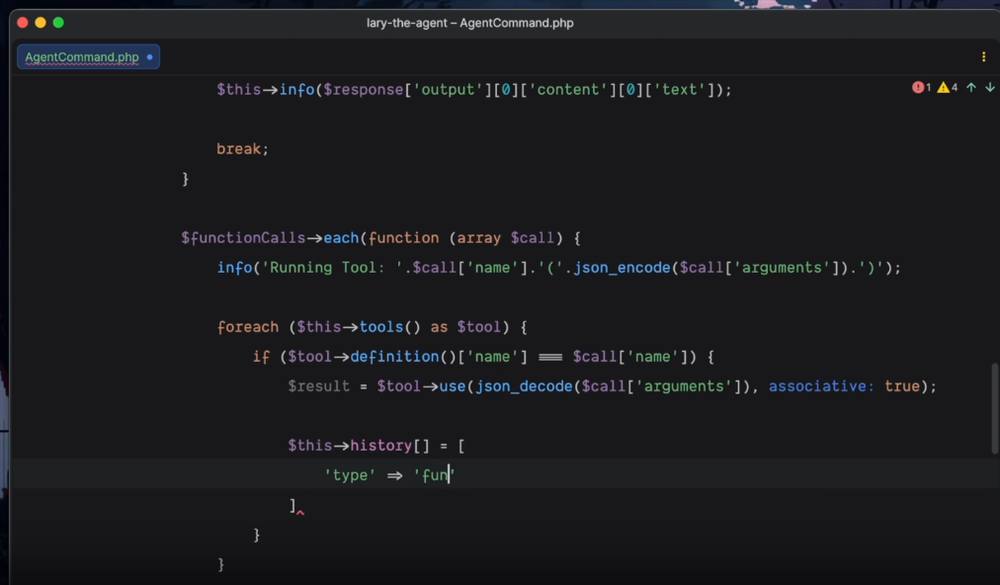
The loop finds the matching tool by name.
The loop finds the matching tool by name.

Sending only each tool’s definition with array_map.

Sending only each tool’s definition with array_map.
Check your work

Run php artisan agent and type:

Call me Jeff in every reply. Then: Read routes/web.php

You should see

Running tool: read_file, then a description of the routes file that still calls you Jeff.

If it doesn’t work

  • Missing required parameter: tools[0]…: You sent the tool objects. Send $tool->definition() instead.
  • Unknown named parameter $associative: Check the spelling in json_decode(..., associative: true).
  • Interface "App\Ai\Tools\Tool" not found: Check the file is at app/Ai/Tools/Tool.php and the namespace is App\Ai\Tools.

Check yourself

1Donnie packed each gadget into its own class. Which method’s result is sent to the AI: definition() or use()?

Reveal answer

✓ Answer

definition(). use() runs on your machine when the AI asks for the tool.

2The lair map is missing. Why return “Error: file not found” instead of throwing an exception?

Reveal answer

✓ Answer

The AI reads the message and can try a different path. An exception would stop the whole agent.