I’m forcing myself to write this
It’s been a pretty shitty last week. My buddy passed away, he’s been around forever, since before my kids were born. He’d watch over and protect them.
He’s a picture of him at his finest.

And I get it, people will be like, “It’s just a dog” blah blah blah, but regardless, all the same, I miss him.
But anyway…
Let’s get this done
This article builds on top of the following:
Please, go back and check them out if you haven't already done so.
Basically with those articles we built the code, now, we’re going to stick that code into a publicly accessible package. I’ve done a bit of the leg work for you here, all you need is a Github account and download Docker.
Go visit https://github.com/stuarttodd-dev/package-sample and create a new repository using the package sample, as a sample….

I’m going to call mine feed-processor.
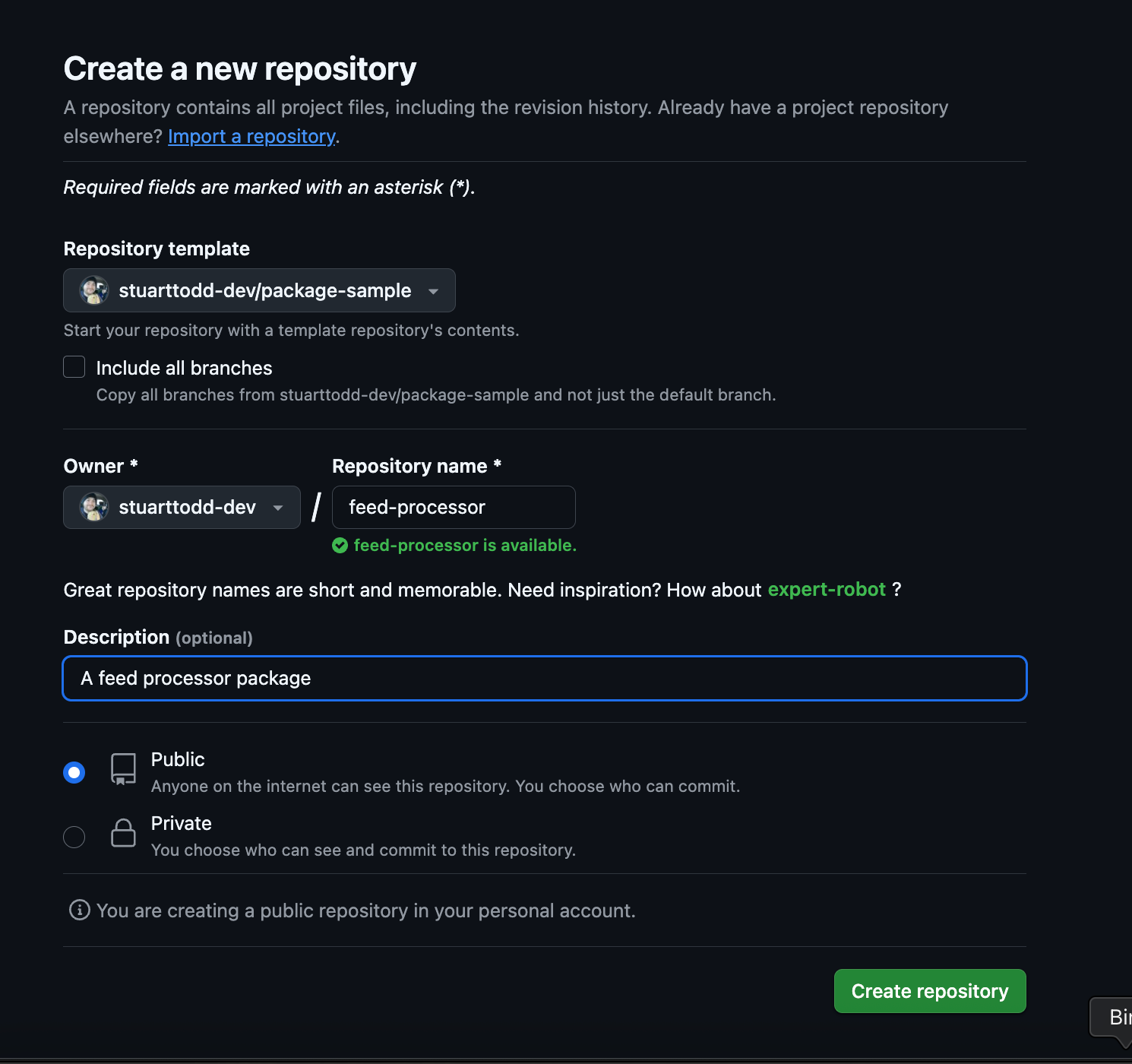
Now, this is pretty cool. It comes with several options out of the box.
Docker Support: This package includes a sample Dockerfile and docker-compose.yml for easy development and testing. Please ensure you have Docker Desktop installed to get started.
Composer Scripts: Leverage Composer for dependency management. The repository comes with useful Composer scripts, including:
phpcs: For checking coding standards.phpmd: For code analysis.phpstan: For static analysis.rector: For automated code upgrades and refactoring.tests: Run tests found within thetestsdirectory.
Automated Testing: A GitHub Actions workflow is set up to automatically run tests whenever you push to the repository, ensuring your code remains reliable and up to standards.
Editable Code: You can modify the code in the
srcdirectory and add your own unit tests in thetestsdirectory to extend functionality.GitHub Template: The repository includes a template for pull requests that you can customise to fit your project needs.
Getting set up
So first, I pull down the repository:
ssh clone [email protected]:stuarttodd-dev/feed-processor.gitI ensure Docker is running then build and spin up the local environment.
docker compose build
docker compose up -d
Then install the dependencies:
docker exec php-composer-package composer installSo now we’re good to go. There’s two super useful commands you can run.
Run the Standards Check: Execute the following command to check coding standards and static analysis:
docker exec php-composer-package composer standards:checkThe standards:check script runs a bunch of static analysis tooling.
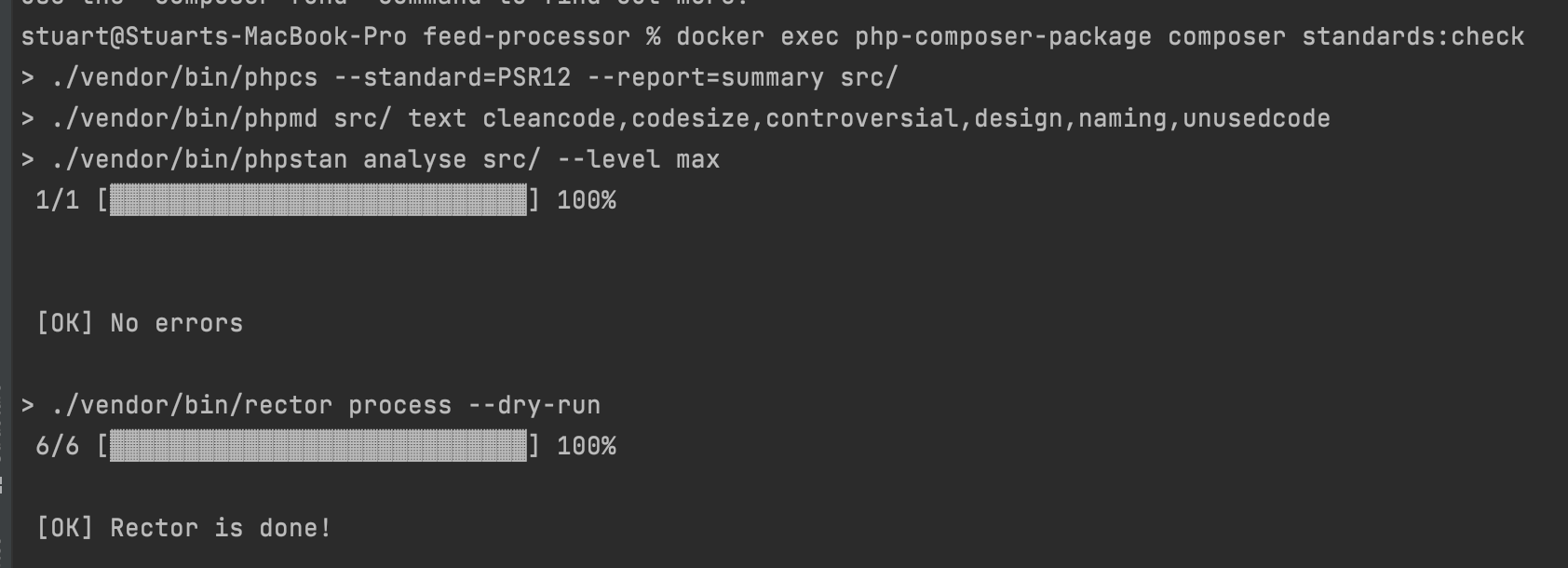
Run Tests: Execute the following command to run tests:
docker exec php-composer-package composer tests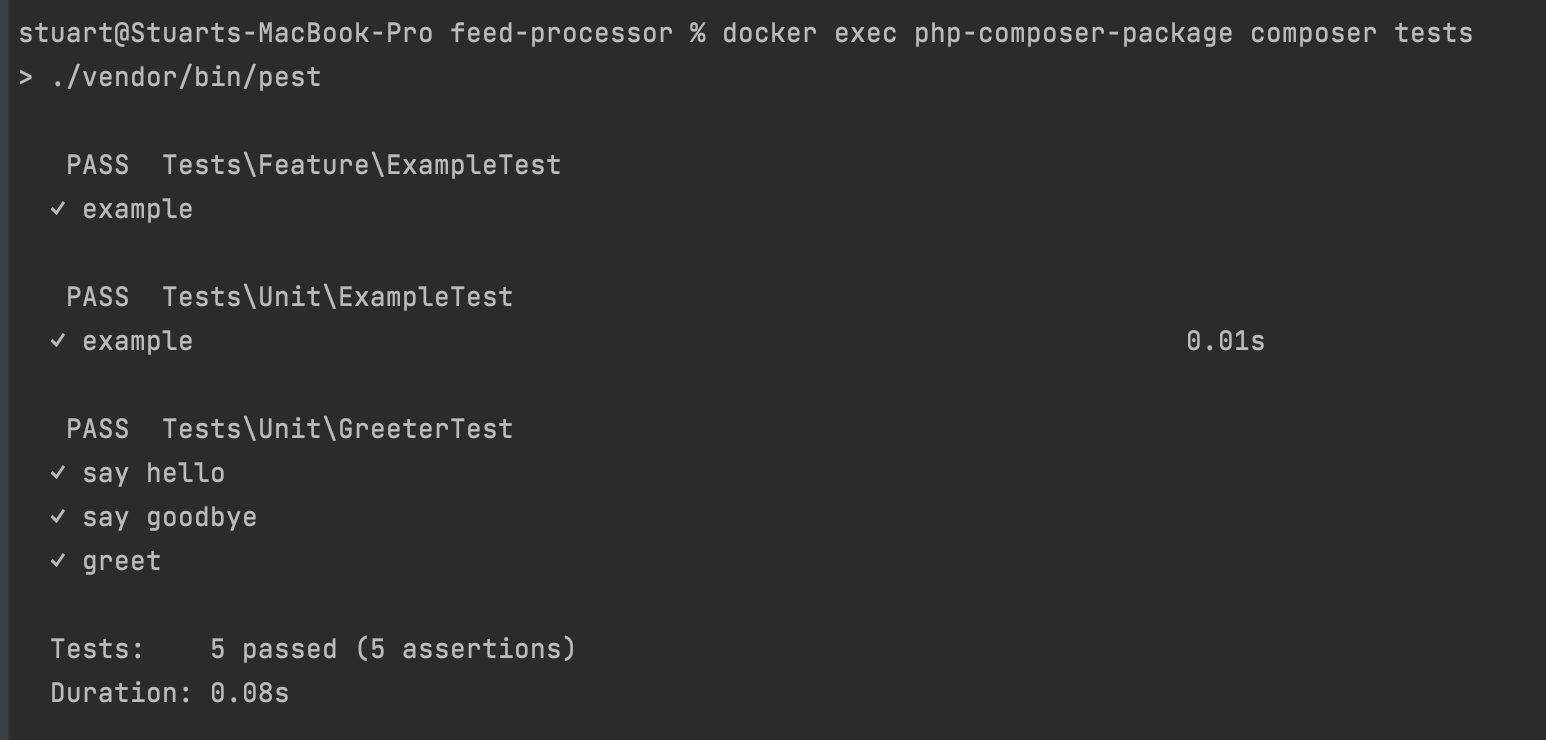
Since this package comes with some sample code out of the box, there’s a few tests built in.
Ok, let’s add our code, add the tests, run static analysis and make sure everything works as it should.
Adding the code and tests
Before I forget, here’s the current composer.json.
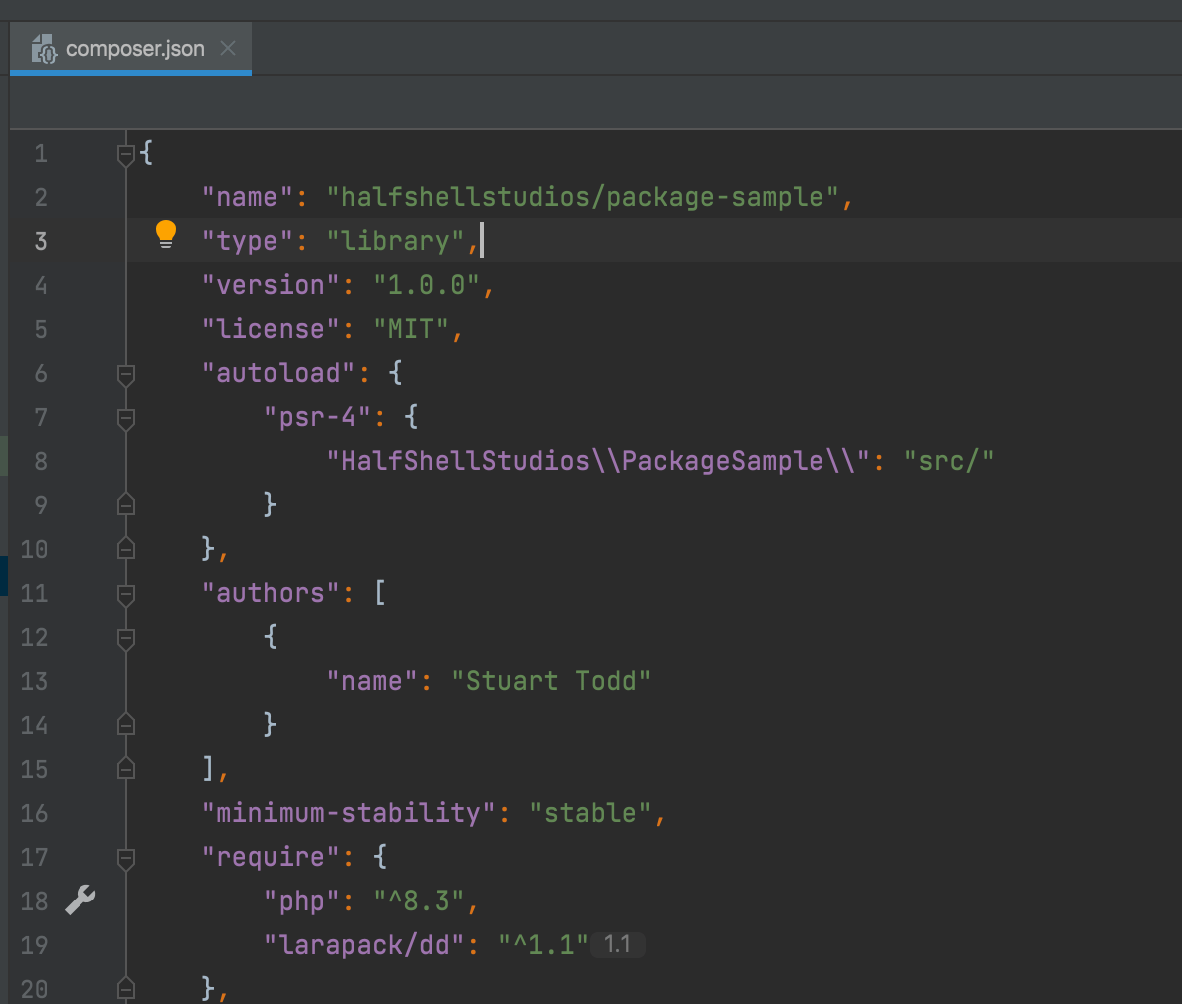
We need to adjust this file to reflect the current project.
I change the reference to halfshellstudios/feed-processor and change the autoload, psr-4 namespace to be HalfShellStudios\FeedProcessor.
    "name": "halfshellstudios/feed-processor",
    "type": "library",
    "version": "1.0.0",
    "license": "MIT",
    "autoload": {
        "psr-4": {
            "HalfShellStudios\\FeedProcessor\\": "src/"
        }
    },
Great, so now update composer:
docker exec php-composer-package composer updateWith that out of the way, I add the code from the previous articles (and adjust the namespaces within each class).
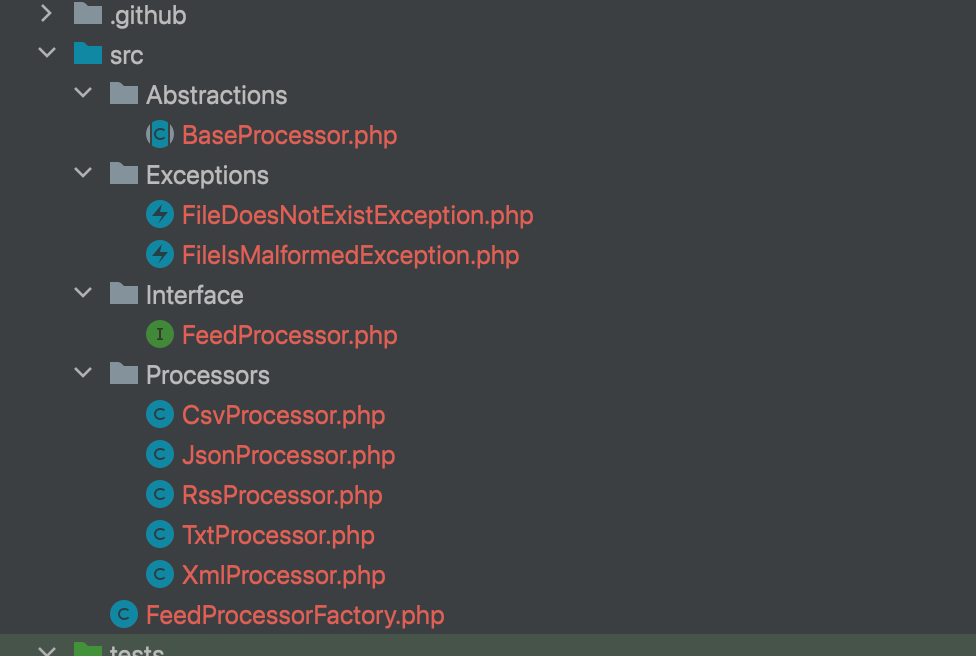
And the tests.
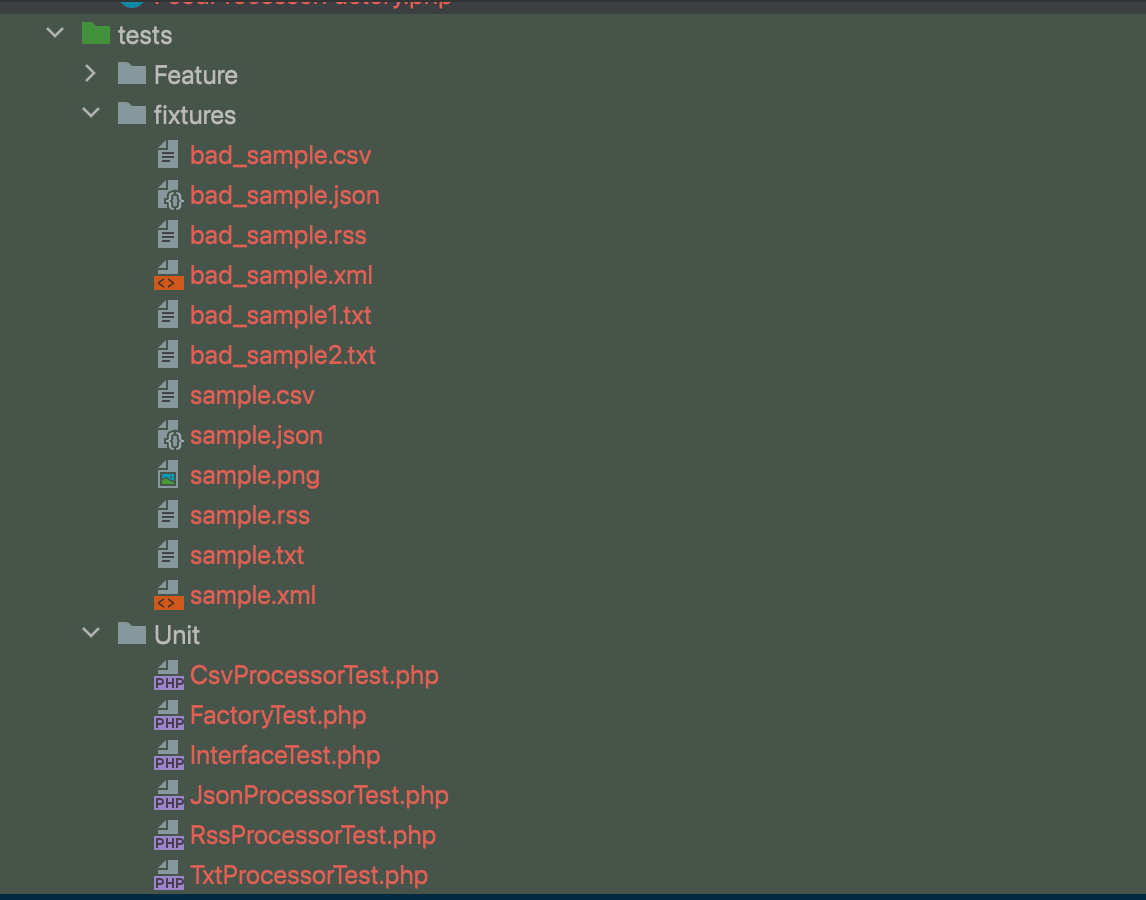
Then run the test suite (if this works first time, I’ll be amazed…).
docker exec php-composer-package composer testsOoooofff… It’s not too bad though!
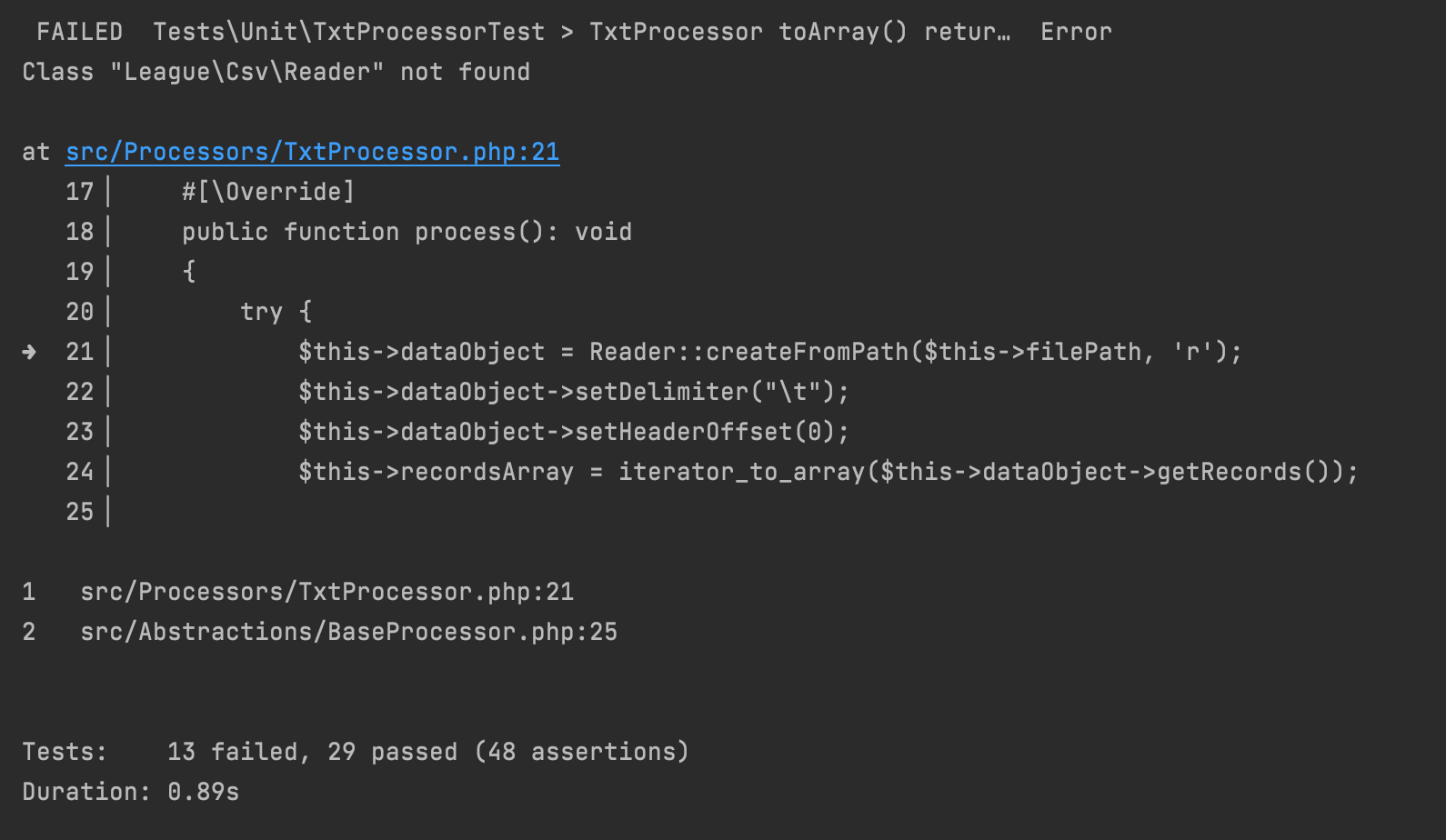
Remember, how we used a package when writing this code, we need to add that dependency here. So let’s do that:
docker exec php-composer-package composer require league/csv:^9.23.0And let’s run the tests again!
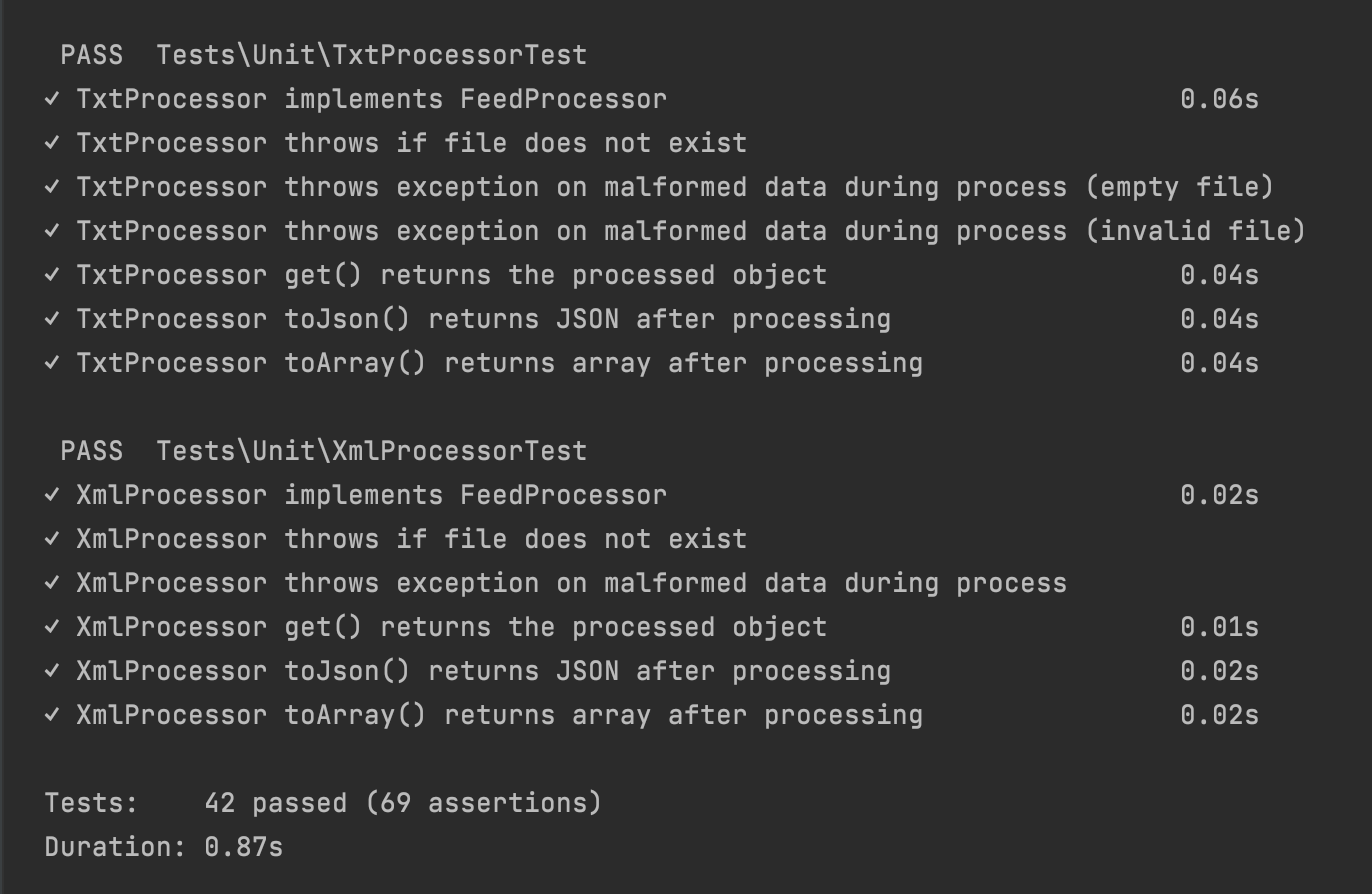
Sweet, we’re done. Well, almost, we need to update the project readme, so I do that… You can see it here.
With all that done, let’s tag it.
git tag -a v1.0.0 -m "Release version 1.0.0"
git push origin v1.0.0
We have a first release!!
Sharing the package
To make your package publicly accessible, you can either add it to Packagist for installation via Composer or adjust your composer.json file to include the VCS URL:
Option 1. Add to Packagist
Submit your package to Packagist.org.
Option 2. Add VCS Line in Composer
Adjust your composer.json file to include the VCS URL, e.g to include this:
{
    "repositories": [
        {
            "type": "vcs",
            "url": "https://github.com/stuarttodd-dev/feed-processor.git"
        }
    ]
}
Me? I’ve added it to packagist.
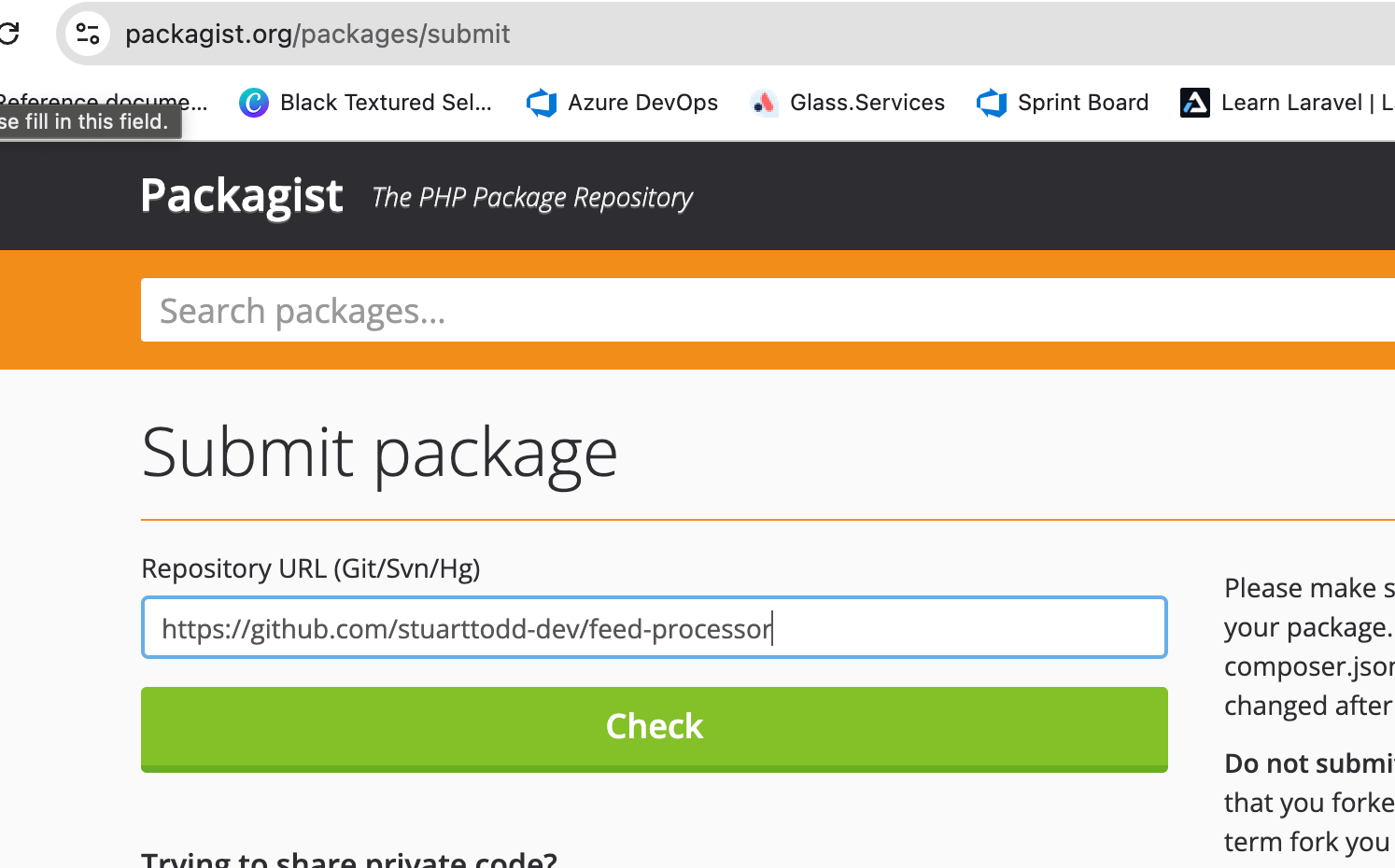
Wanna use it? It’s here.
https://packagist.org/packages/halfshellstudios/feed-processor
Just pull it down.
composer require halfshellstudios/feed-processorThanks! That’s it. I hope you’ve enjoyed the 4 articles.