Open source · Composer plugin
devkit/composer-link
Local path overrides for Composer dependencies — separate local manifest, clean committed lock.
View on Packagist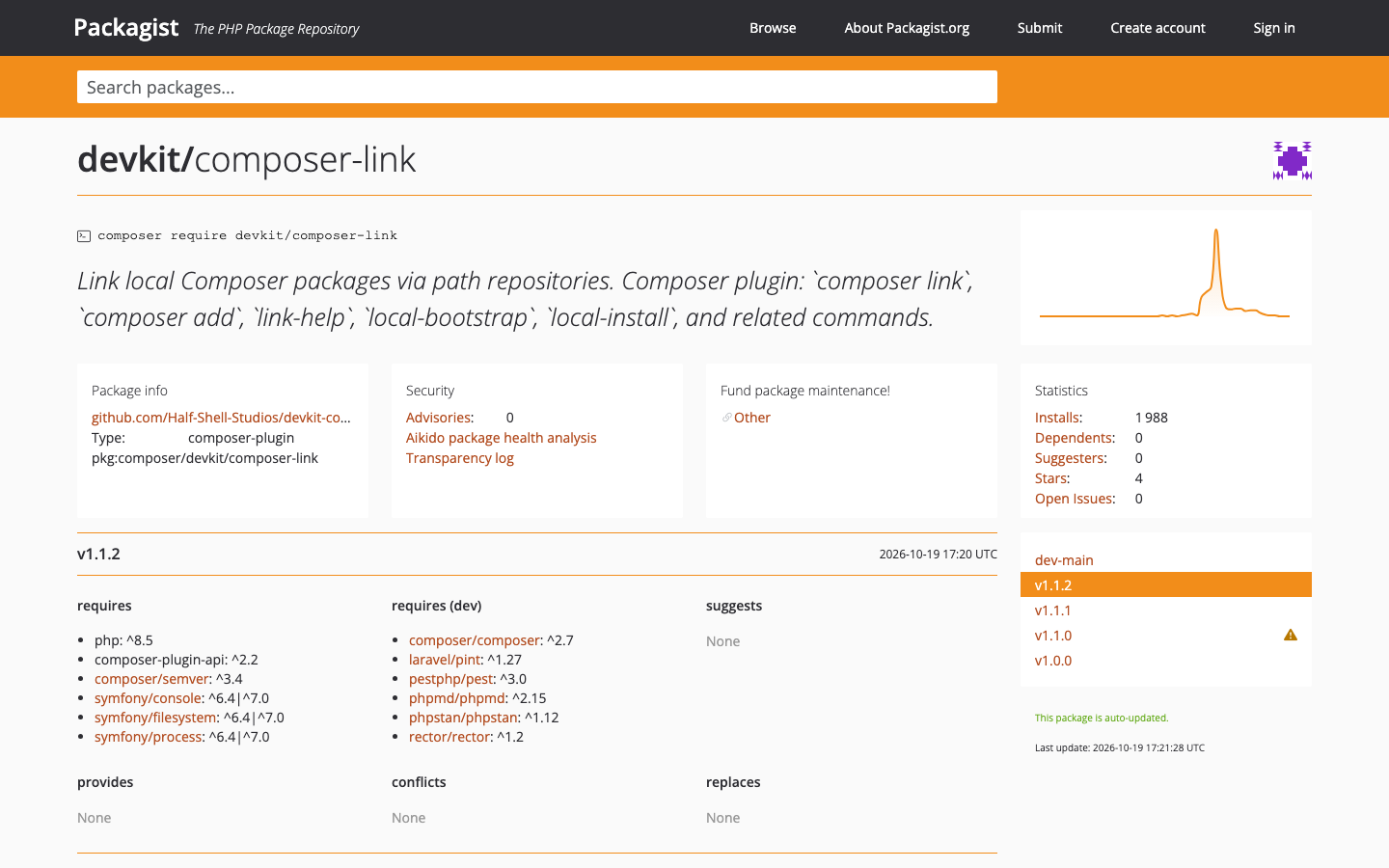
01 — Packagist
01
The brief
When you need to test package changes inside a real app, the usual workflow often requires hand-edit root composer.json repositories, point dependencies at local folders, and remember to undo everything before committing.
Composer Link stores local override state in dedicated local files, rebuilds managed path repositories, and keeps your team baseline untouched.
02
What we shipped
Install in the consuming application (not in the library repo you are editing): composer require --dev devkit/composer-link
Requires PHP 8.5+ and Composer 2.2+ (plugin allow-list support). Approve the interactive prompt, or add devkit/composer-link: true under config.allow-plugins.
All commands run from your application root (where the committed composer.json lives). composer link-help prints a concise command overview; composer list includes link, add, unlink, promote, linked, refresh, link-doctor, local-bootstrap, local-install, link-scan, and link-help.
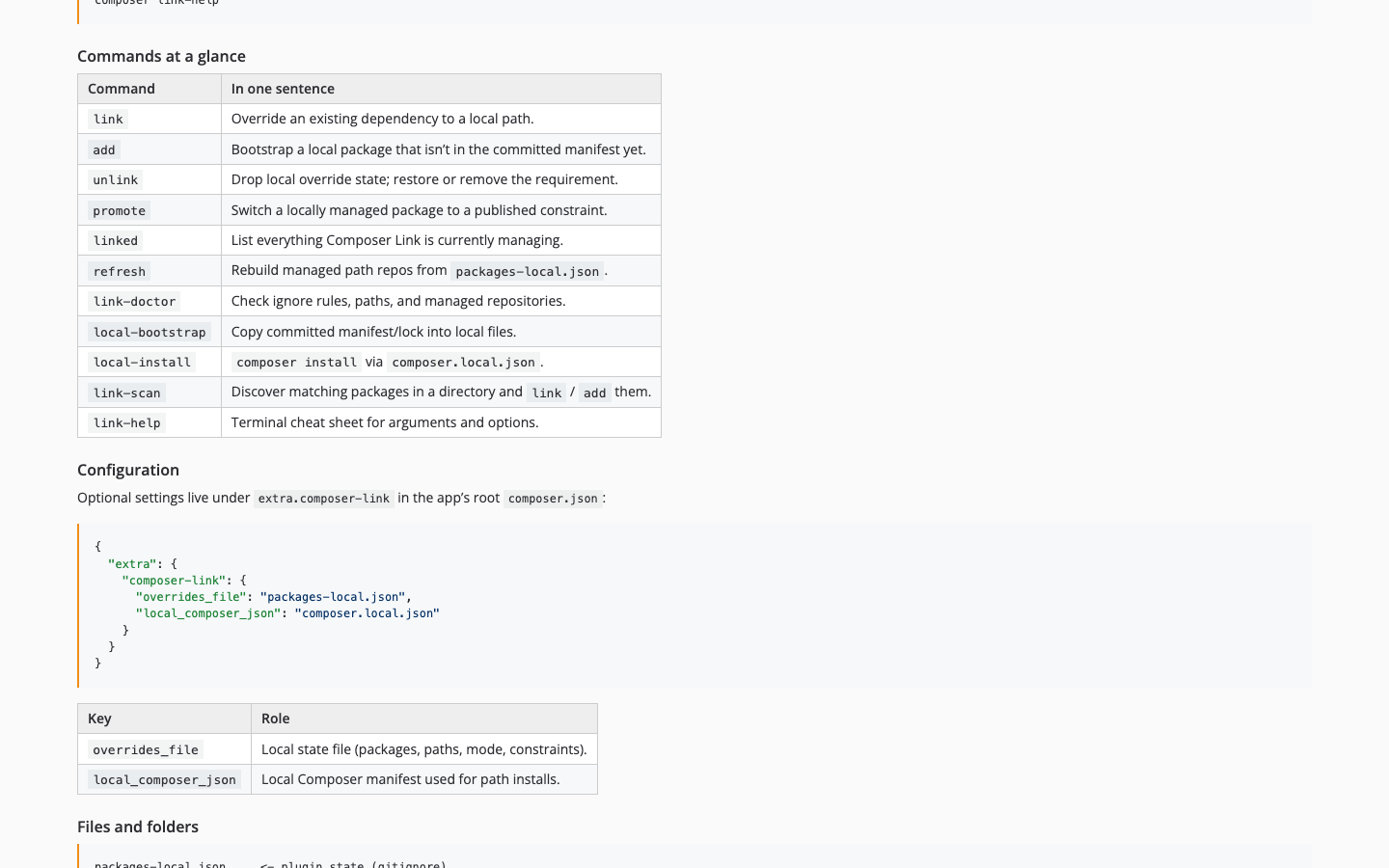
Optional config under extra.composer-link: overrides_file (default packages-local.json) for local state; local_composer_json (default composer.local.json) for path repositories and local update/install runs.
03
Commands at a glance
- link — override an existing dependency to a local path.
- add — bootstrap a dependency from local path before it exists in committed manifest/registry.
- unlink — remove local override state and restore or remove requirement.
- promote — move a locally-managed package back to a published constraint.
- linked — show all packages currently managed by Composer Link.
- refresh — rebuild managed path repositories in local manifest from state file.
- link-doctor — verify local setup and ensure ignore rules/local files are correct.
- local-bootstrap — copy committed manifest/lock into local manifest/lock files.
- local-install — install using local manifest (COMPOSER=composer.local.json).
- link-scan — discover matching packages in a directory and link or add them.
- link-help — print a concise command/arguments/options overview in terminal.
05
Install & configuration
Install in the consuming application — not in the library repo you are editing. Requires PHP 8.5+ and Composer 2.2+. All commands run from your application root.
composer require --dev devkit/composer-link{
"config": {
"allow-plugins": {
"devkit/composer-link": true
}
}
}{
"extra": {
"composer-link": {
"overrides_file": "packages-local.json",
"local_composer_json": "composer.local.json"
}
}
}06
Files and folders
Default local artifacts: packages-local.json (plugin state — gitignore), composer.local.json (local manifest — gitignore), composer.local.lock (lockfile for local manifest — gitignore).
Committed baseline files stay canonical: composer.json and composer.lock.
Legacy note: composer.local-packages.json is read only as fallback when packages-local.json is missing/empty; next write persists to packages-local.json.
07
Command reference
Use composer help <command> for full option docs. Representative examples from the README:
composer link my-vendor/my-package ../packages/my-package
composer link my-vendor/my-package ../packages/my-package --constraint=@devcomposer add my-vendor/new-lib ./libs/new-lib
composer add my-vendor/new-lib ./libs/new-lib --constraint=^0.1composer unlink my-vendor/experimental-package --remove
composer promote my-vendor/my-package ^1.5composer linked
composer refresh
composer link-doctorcomposer local-bootstrap
composer local-install --no-dev08
Typical workflows
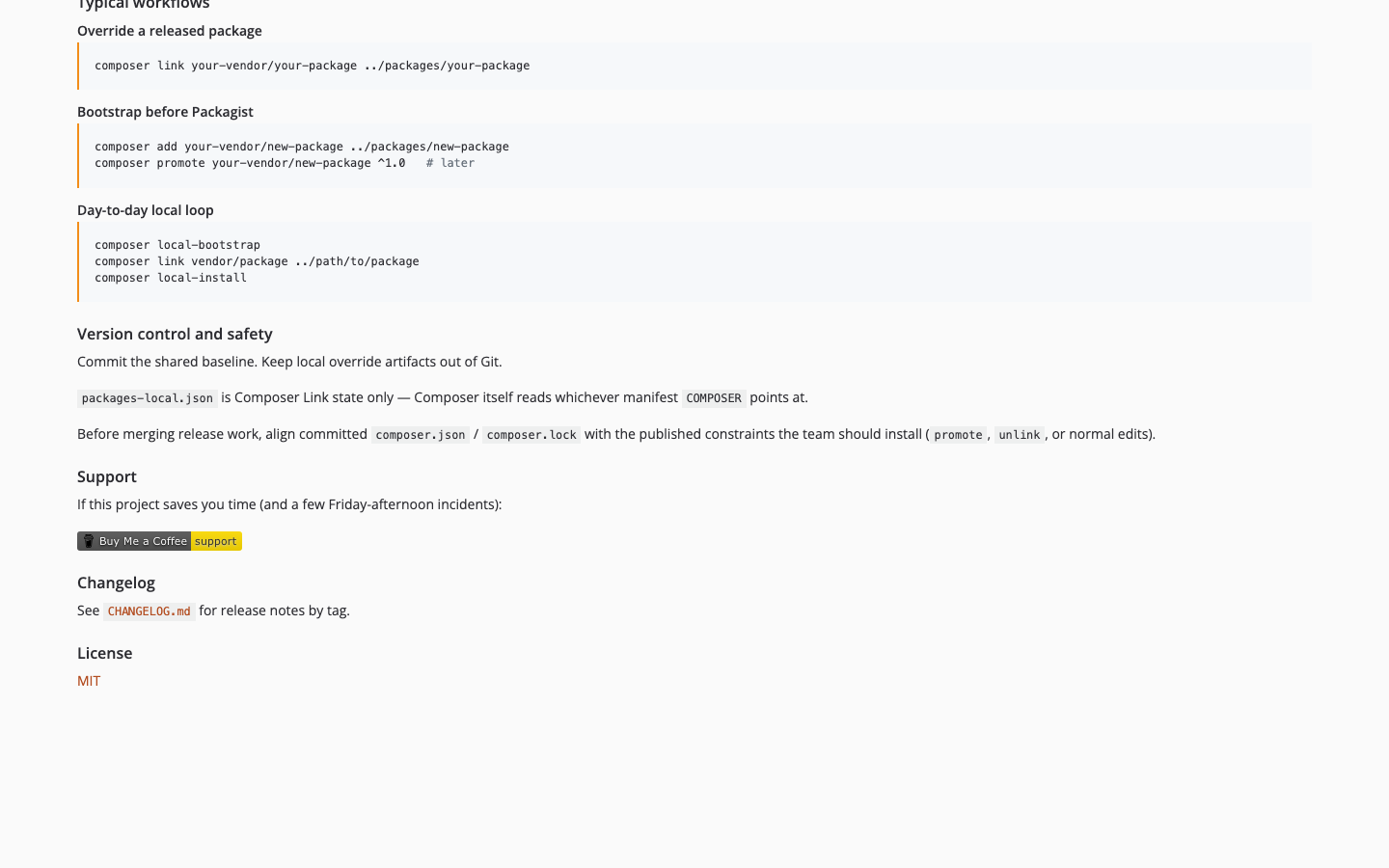
Copy-paste sequences from the README — override a release, bootstrap before Packagist, or run through the local manifest.
composer link your-vendor/your-package ../packages/your-packagecomposer link your-vendor/your-package ../packages/your-package --constraint=@devcomposer add your-vendor/new-package ../packages/new-packagecomposer promote your-vendor/new-package ^1.0composer local-bootstrap
composer link vendor/package ../path/to/package
composer local-install09
Version control and safety
Keep shared baseline committed: composer.json and composer.lock.
Keep local override artifacts out of Git: packages-local.json, composer.local.json, composer.local.lock.
packages-local.json is Composer Link state only; Composer itself reads whichever manifest COMPOSER points to.
04
Watch the tutorial
05
Screens from the build
Real UI captures — placeholders until assets are dropped in.

02 — README
03 — Commands
04 — Workflows